Foundry systems
Can your ERP follow a heat to dispatch?
A practical foundry ERP evaluation for teams that need grade-wise planning, melt records and evidence they can retrieve when a customer calls.
- ChargeMaterial lots and grade
- HeatMelt record and chemistry
- DispatchReleased lot and delivery
Run a traceability demo with one split heat
Start with a real order
Give the vendor one representative part, two approved material sources and the drawing or specification revision. Ask the planner to show the planned grade and quantity, then issue material from two identified lots. Check that the actual issues remain visible after the work order closes.
Split the heat across batches
Pour one illustrative heat into batches B14 and B15. Hold B15 for review and release B14. The useful test is whether the system can keep each disposition separate while retaining the common heat reference, chemistry result and the operator or shift that recorded it.
Work backwards from a delivery
From a packing slip, find the shipped batch, heat and source material lots. Then run the enquiry forward from the heat to find every affected delivery. Ask how the workflow handles a partial shipment or a corrected identifier, and look for evidence of who changed the record.
Traceability demo checklist
Tick each item as the vendor demonstrates it on your sample work order.
Explore Envisage ERP
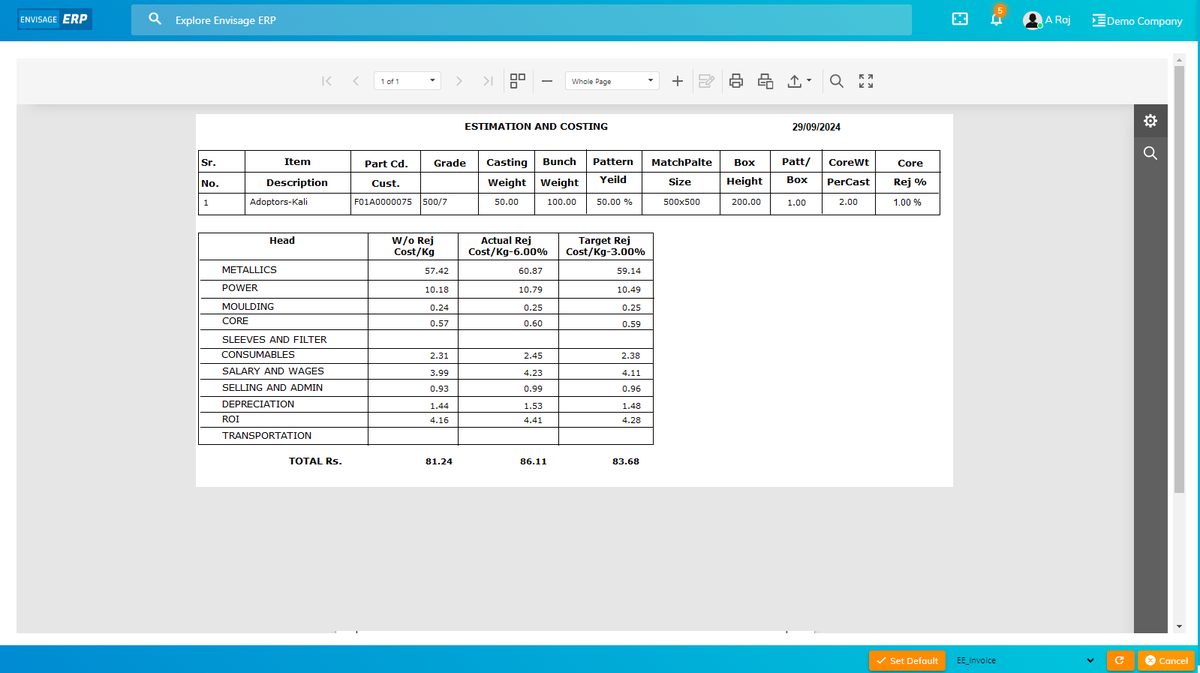
Envisage ERP describes grade-wise material planning, furnace-wise melt logs and heat-level rejection analysis. In a demo, use a split heat from your own process to check how those records connect.